

A Simple Way to Create Visual Ideas with GPT Image 2
I’ve been trying different AI image tools recently, mostly for quick visual concepts, blog images, and simple creative drafts. One thing I find useful is when a tool does not make the process feel too complicated. Sometimes I just want to describe an idea in normal language and get a clean image result without spending too much time adjusting settings.
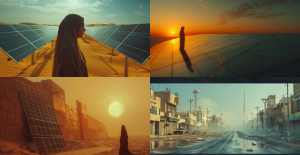
For that kind of workflow, I found GPT Image 2 quite easy to use. It can be helpful for creating image ideas, testing different styles, or preparing visual references before working on a final design. I would not say it replaces professional design work, but it is useful when you need a fast starting point or want to explore several creative directions.
I think tools like this are especially helpful for bloggers, small website owners, marketers, and creators who often need simple visuals but may not have a full design team. It is also a good way to experiment with prompts and see how small changes in wording can affect the final image.